

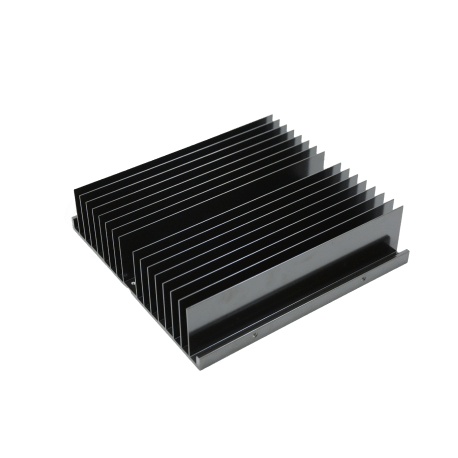
Heat Sink
Heatsink is an essential in thermal solution. Diversified processes produce heatsinks of extruded, forged, skived, stamped, die-casted, etc., suitable for different fields and industries.
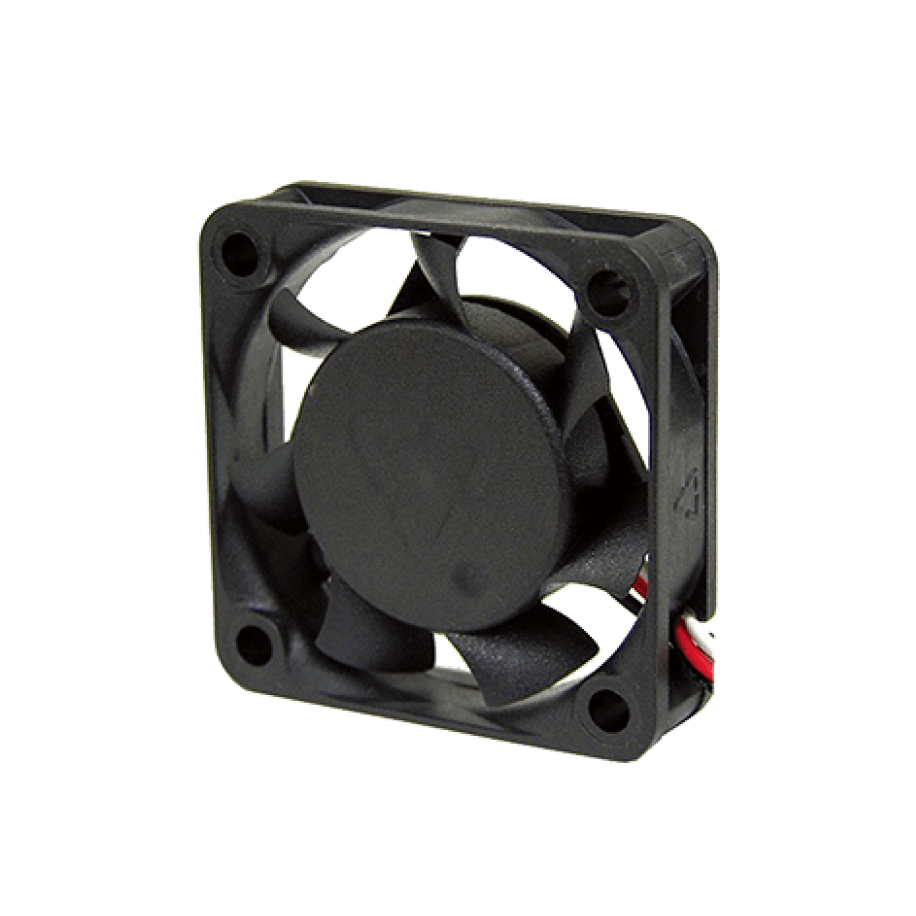
DC Fan
Zaward’s DC fan dimensions range from 30mm to 220mm, consumer to industrial, and axial to the blower. Besides standard fans, optional features (e.g. PWM, FG, AR, and TC.), various bearing types for longer life expectancy (e.g. 2ball, Duro, sleeve, and more)
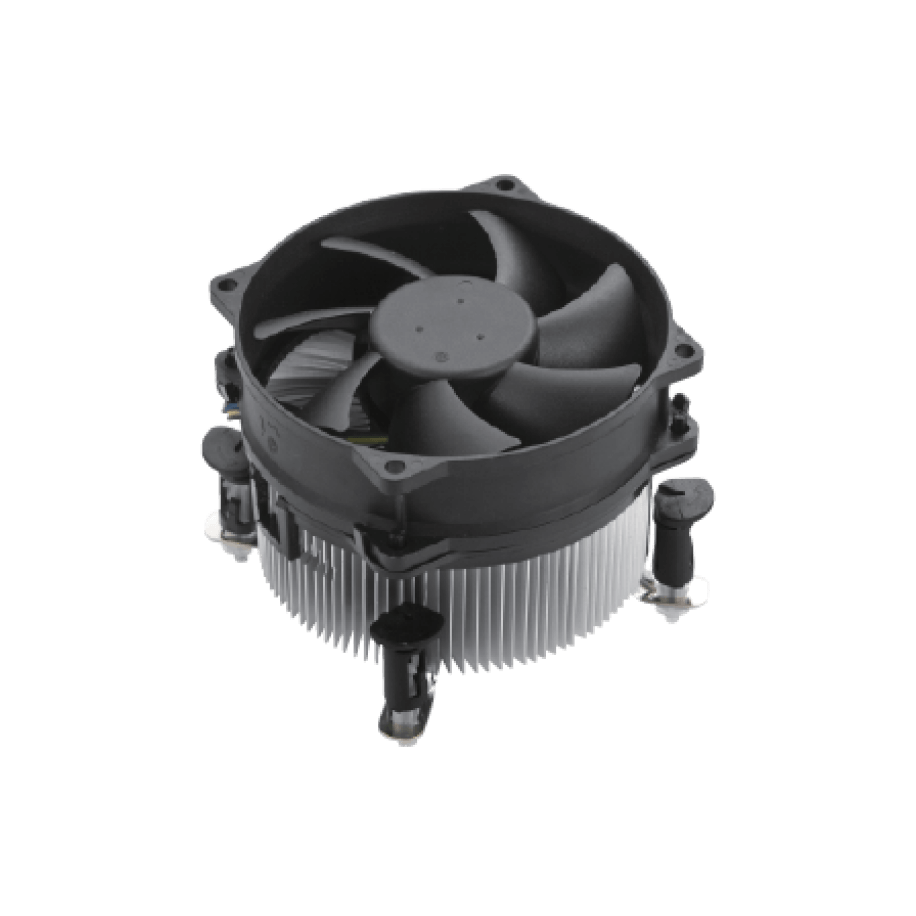
CPU Cooler
CPU cooler is to dissipate heat of central processor unit. Active cooling is a combination of the heat sink and the fan, using the fan to remove the heat quickly from components and advance efficiency and stability of the system; as opposed to passive cooling, that dissipates heat solely on a heat sink.
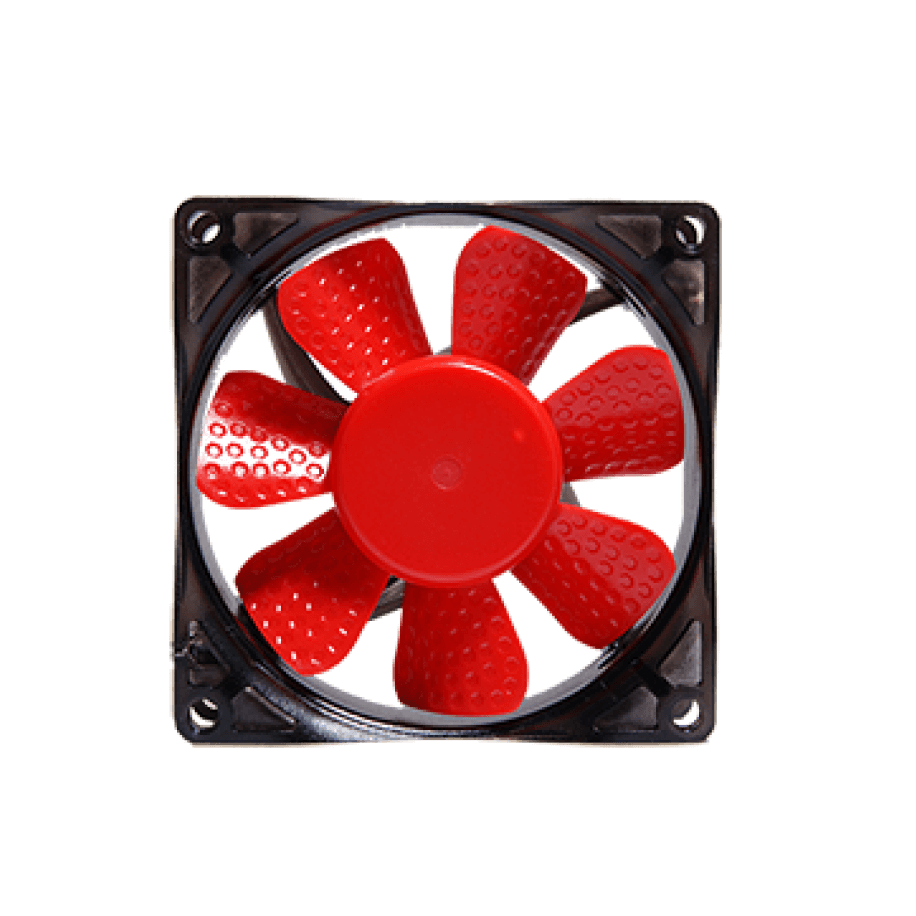
Golf fan story
A golf ball performs within specified velocity, distance, and symmetry limits. A ball moving through air experiences two major aerodynamic forces, lift and drag. Dimpled balls fly farther than non-dimpled balls due to the combination of two effects: